Best Business Phones 2026: Android or iPhone for Work?
- vitowebnet izrada web sajta i aplikacija
- Mar 17
- 9 min read

best-business-phone-2026
Best Business Phone 2026 — Android vs iPhone for Work: Complete Guide
iPhone or Android for business in 2026? We compare security, MDM compatibility, email, productivity apps, Microsoft 365 integration, carrier plans, and the best specific business phone recommendations for individuals and enterprise teams.
Related: T-Mobile vs AT&T vs Verizon 2027 · iPhone vs Android Privacy Guide · Best Phones to Buy 2027
Executive Summary
Choose iPhone for business if: your organization uses Apple Business Manager for MDM deployment, your team is predominantly iPhone users, or you're a professional who values Apple's security architecture (particularly Secure Enclave) and prefers iOS for personal use.
Choose Android (Samsung) for business if: your organization uses Microsoft Intune or VMware Workspace ONE for MDM (both have stronger Android enterprise features), you need Samsung Knox enterprise security, or your IT department supports Android-first or Android-preferred policy.
For solopreneurs and freelancers: The phone that runs your workflow apps best and keeps you connected most reliably is the right phone. Both platforms run every major business productivity suite identically. The choice is personal preference.

Part 1: Security — The Enterprise Priority
Apple Security Architecture
Secure Enclave: Apple's dedicated security processor handles biometrics, encryption keys, and secure credential storage entirely isolated from the main chip. Even Apple cannot access data protected by the Secure Enclave.
iOS update speed: Apple pushes security updates to all supported iPhones simultaneously — a zero-day exploit is patched across the entire fleet within 24–48 hours. Enterprise IT departments get the same update timeline as consumers.
App Store gatekeeping: Every iOS app undergoes code review. Malware on iOS is extremely rare — a significant advantage in environments where employees install apps from multiple sources.
Lockdown Mode: iOS's maximum security mode (Settings → Privacy & Security → Lockdown Mode) disables most external communication channels, limiting attack surface for high-risk individuals (journalists, executives, political figures).
Apple Business Essentials: Apple's built-in MDM solution for small businesses (up to 500 devices). Provides device enrollment, app distribution, and configuration management without requiring a third-party MDM vendor.
Samsung Knox Security Architecture
Knox Vault: Samsung's hardware security module — equivalent in function to Apple's Secure Enclave. Stores biometric data, encryption keys, and credentials in isolated hardware.
Defense-grade security: Samsung Knox is certified by government security agencies in the US (NIAP/FIPS 140-3), UK (NCSC CPA), and 20+ other countries. Used by US Department of Defense agencies.
Knox Platform for Enterprise (KPE): Deep management hooks in Samsung's Android implementation enable IT administrators to control 1,000+ policy parameters — far more granular than standard Android Enterprise or iOS MDM controls.
Knox E-FOTA: Enterprise forced update management — IT can control exactly when Samsung security patches deploy across the fleet, preventing both unpatched vulnerabilities and disruptive update timing.
Dex for Business: Samsung Dex connects Galaxy phones to monitors via USB-C, transforming the phone into a desktop computer with windowed apps and keyboard/mouse support — a genuine business productivity feature without iOS equivalent.
Security Verdict
For most business environments, both platforms provide enterprise-grade security. Samsung Knox with its government certifications and granular management is slightly preferred in regulated industries (healthcare, defense, finance). Apple's faster update deployment and Secure Enclave simplicity is preferred in environments prioritizing ease of security management.
Part 2: MDM and Enterprise Management
MDM Platform Compatibility
MDM Platform | iOS support | Android Enterprise support | Samsung Knox |
Microsoft Intune | Excellent | Excellent | Full Knox integration |
VMware Workspace ONE | Excellent | Excellent | Full Knox integration |
Jamf Pro | Native (Apple-first) | Limited | Limited |
Apple Business Manager | Native | No | No |
MobileIron (now Ivanti) | Excellent | Excellent | Full Knox |
For Microsoft-centric organizations (Office 365, Azure AD, Intune): Android + Samsung Knox provides the deepest MDM integration through Intune's Samsung-specific APIs. Microsoft has invested heavily in Android enterprise management.
For Apple-centric organizations (Mac users, Apple Configurator, Jamf): iPhone with Jamf or Apple Business Manager is the most cohesive solution.
For mixed environments: Both platforms work with major MDM solutions. IT department preference is the practical decision-maker.
BYOD (Bring Your Own Device) Policies
For BYOD environments where employees use personal phones for work:
Android Work Profile: Android's enterprise container separates work apps and data from personal apps completely — work data is encrypted separately, IT can wipe only the work container (not personal data) when an employee leaves. The separation is clear and enforceable.
iOS Managed Apps: iOS managed apps (deployed via MDM) can be managed and remotely wiped without affecting personal data, but the separation is less architecturally clean than Android's Work Profile. iOS 17+ has improved this significantly.
BYOD verdict: Android Work Profile provides cleaner, more enforceable separation between personal and corporate data — particularly important when employees leave and data must be wiped cleanly from a personal device.
Part 3: Productivity Apps and Microsoft 365
Microsoft 365 (Outlook, Word, Excel, PowerPoint, Teams) is the dominant business productivity suite globally. Both platforms support it identically in terms of core functionality:
Outlook: Full feature parity on iOS and Android. Mail, calendar, contacts, Teams meeting join, file attachments — all equivalent.
Teams: Video meetings, chat, file sharing, channel browsing — identical on both platforms. Screen sharing from mobile performs better on Android (native Android screen share architecture).
Word, Excel, PowerPoint: Full editing capability on both platforms with Microsoft 365 subscription. No meaningful difference.
OneDrive, SharePoint: File access and collaboration identical.
Microsoft Copilot (AI assistant in M365): Full feature availability on both platforms.
Where Android/Samsung has an edge: Samsung Dex (phone-to-desktop mode for spreadsheet and presentation editing), Samsung Notes integration with Microsoft apps, and Samsung's S Pen stylus on Galaxy S and Tab Ultra series for handwritten note-taking.
Where iPhone has an edge: Continuity with Mac (Handoff, Universal Clipboard, AirDrop for instant file transfer to MacBook), Apple Pencil on iPad if the professional uses both iPhone and iPad, Shortcuts automation for complex workflows.
Part 4: Business Communication Features
Email and Calendar
Both platforms provide native email and calendar apps (Mail + Calendar on iOS; Gmail + Calendar on Android) plus full Microsoft Outlook app support. For business users on Microsoft 365, Outlook is the practical choice on either platform.
Video Calls
Teams, Zoom, Google Meet: All three work equivalently on both platforms. For iPhone users on Mac, Continuity features (Continuity Camera for using iPhone as Mac webcam, Handoff for continuing calls) provide a seamless Apple ecosystem integration that has no Android equivalent.
FaceTime for Business (iPhone only): SharePlay allows screen sharing during FaceTime calls — useful for quick informal collaboration. Available only when all parties use iPhone/Mac.
Dual SIM for Business
For professionals who want separate business and personal numbers on one device: Both platforms support Dual SIM (physical + eSIM on most current flagships). The iPhone 16 supports two eSIMs (no physical SIM slot in US models) — one for business, one personal, switchable without physical SIM swaps. Most Android flagships support dual physical SIM or one physical + one eSIM.

Part 5: Best Business Phone Picks 2026
Best iPhone for Business
iPhone 16 Pro ($999) — Best All-Around Business iPhone:ProMotion 120Hz display, titanium build, A18 Pro chip, USB-C with 10Gbps transfer speeds (critical for file transfer in professional workflows), Action Button for custom shortcuts. Apple Intelligence AI features for email summarization, writing tools, and call transcription.
iPhone 16 ($799, with carrier deals from $399) — Best Value Business iPhone:Full business capability at lower cost. Missing: 120Hz display, titanium, Action Button. Sufficient for all business apps and productivity workflows.
iPhone SE 4th gen ($429) — Budget Business iPhone:Full business capability, compact 4.7-inch form factor preferred by some professionals. Missing: 120Hz, Face ID (uses Touch ID instead), camera quality. Best for budget-conscious professionals who need iOS for company policy compliance.
Best Android for Business
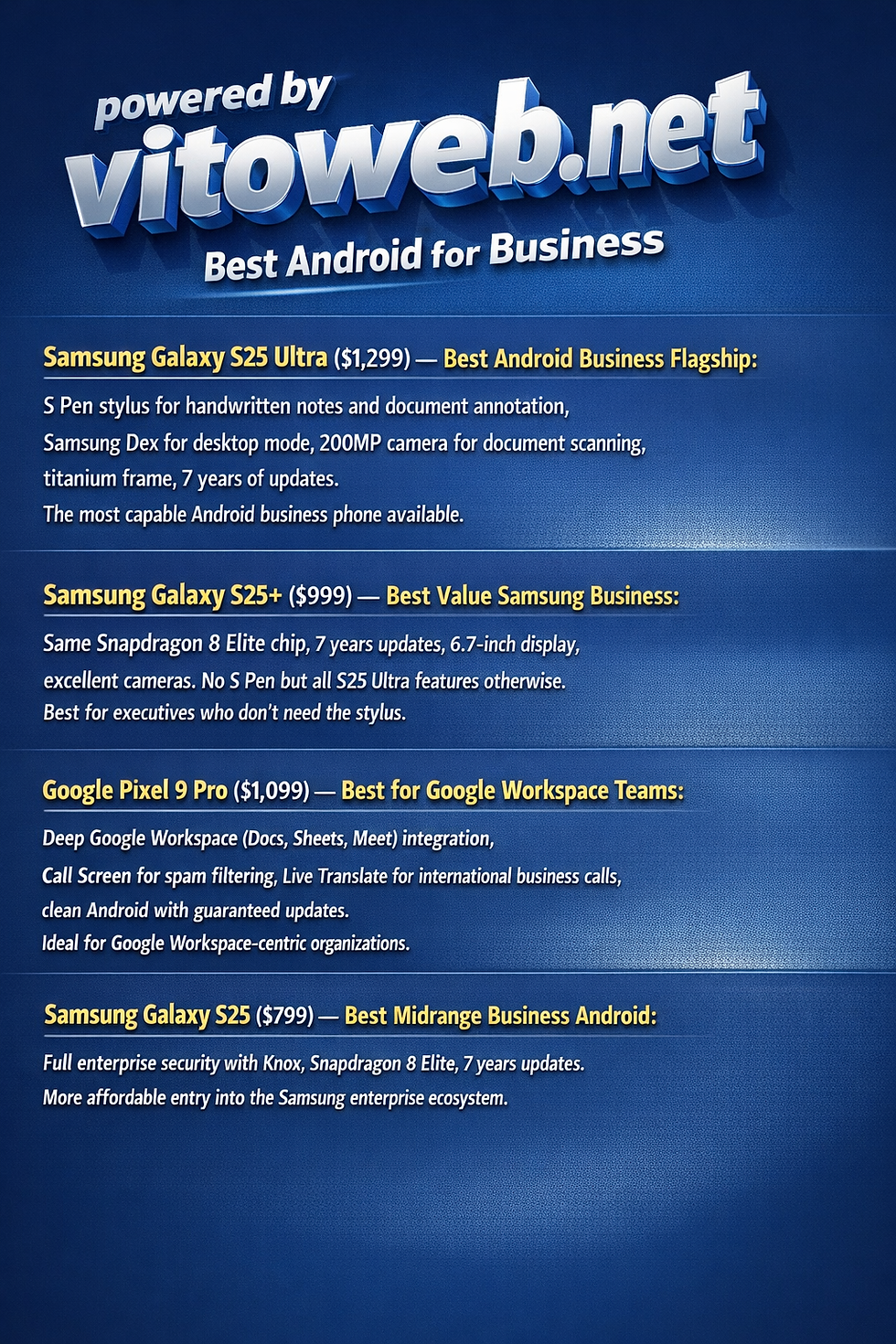
Samsung Galaxy S25 Ultra ($1,299) — Best Android Business Flagship:S Pen stylus for handwritten notes and document annotation, Samsung Dex for desktop mode, 200MP camera for document scanning, titanium frame, 7 years of updates. The most capable Android business phone available.
Samsung Galaxy S25+ ($999) — Best Value Samsung Business:Same Snapdragon 8 Elite chip, 7 years updates, 6.7-inch display, excellent cameras. No S Pen but all S25 Ultra features otherwise. Best for executives who don't need the stylus.
Google Pixel 9 Pro ($1,099) — Best for Google Workspace Teams:Deep Google Workspace (Docs, Sheets, Meet) integration, Call Screen for spam filtering, Live Translate for international business calls, clean Android with guaranteed updates. Ideal for Google Workspace-centric organizations.
Samsung Galaxy S25 ($799) — Best Midrange Business Android:Full enterprise security with Knox, Snapdragon 8 Elite, 7 years updates. More affordable entry into the Samsung enterprise ecosystem.
Business Carrier Plan Recommendations
For business phone plans, see our complete carrier comparison guide. Business-specific highlights:
AT&T FirstNet: Priority network access for public safety and emergency-adjacent professions. FirstNet plans start at $50/line and guarantee network priority even during major incidents.
T-Mobile Business Unlimited: Best for small businesses wanting Microsoft Teams integration and international coverage ($50/line for 3+ lines).
Verizon Business Unlimited: Best for enterprise requiring formal SLAs and dedicated account management. Most expensive but with formal business guarantees.
FAQ Table 1: Platform Selection for Business
Question | Answer |
Is iPhone or Android better for business in 2026? | Both platforms provide enterprise-grade security and full Microsoft 365 compatibility. iPhone is preferred in Apple-centric environments (organizations on Mac, Jamf MDM, Apple Business Manager). Samsung Android (with Knox) is preferred in Microsoft-centric environments using Intune MDM and requiring granular IT policy control. Samsung Knox is certified by US Department of Defense — the deepest enterprise management hooks of any commercial smartphone. For solopreneurs: choose based on personal workflow preference. |
Which business phone has the best security? | Samsung Galaxy S25 series with Knox Vault provides government-certified (NIAP, FIPS 140-3, UK NCSC) enterprise security — the deepest MDM control and most granular policy enforcement of any commercial device. Apple iPhone's Secure Enclave and rapid security update deployment (same-day patches across all supported devices) provide equivalent security in practice for most threat models. For regulated industries (defense, healthcare) requiring government certification: Samsung Knox. For simplicity of security management: iPhone. |
What is the best business phone for Microsoft 365 users? | Samsung Galaxy S25 ($799) or S25 Ultra ($1,299) with Intune MDM provides the deepest Microsoft 365 enterprise integration through Intune's Samsung Knox APIs. Microsoft specifically certifies Samsung Knox devices for its enterprise compliance policies. For iPhone users: Microsoft has invested equally in iOS MDM compatibility, and iPhone with Intune is fully functional — but lacks Knox's granular controls. The practical answer for most Microsoft 365 teams: either platform works, with Samsung preferred when IT requires maximum policy control. |
FAQ Table 2: Specific Business Features
Question | Answer |
Does Samsung Dex replace a laptop for business travel? | Samsung Dex transforms a Galaxy S25 Ultra into a desktop computer when connected to a monitor (via USB-C or wireless). With a Bluetooth keyboard and mouse, it runs desktop-resolution Microsoft 365 apps, web browsers, and email in windowed mode. For light business travel (email, documents, presentations, video calls): Dex can replace a laptop for 60–70% of use cases. For intensive work (complex Excel modeling, large presentation design, code development): a laptop remains necessary. Dex is most valuable as a supplement rather than full replacement, but it is a genuine business differentiator with no iOS equivalent. |
Which phone has the best call quality for business calls? | Google Pixel 9 Pro leads in call quality features: Call Screen filters spam calls automatically (AI analyzes unknown callers before you answer), Clear Calling reduces background noise for both parties using Google's tensor AI, and Direct My Call helps navigate automated phone menus. Samsung Galaxy S25 series also provides strong noise cancellation. iPhone 16 series has improved call quality with noise suppression, but lacks the Google-specific call management features. For businesses with high inbound call volume: Pixel 9 Pro's call management is the strongest available. |
How should a business manage iPhone vs Android on one corporate account? | Use a unified MDM solution that handles both platforms: Microsoft Intune (if Microsoft 365 shop) or VMware Workspace ONE (platform-agnostic) support iOS and Android from a single management console. Create separate compliance policies for iOS and Android respecting each platform's security model. For BYOD: use iOS Managed Apps and Android Work Profile to separate corporate data from personal data without requiring a separate device. Establish a minimum OS version policy to ensure all devices run current security patches. |
FAQ Table 3: Cost and Planning
Question | Answer |
What is the best value business phone in 2026? | Google Pixel 9 ($799) for Android teams — 7 years of updates to 2031, Google Workspace integration, Call Screen spam filtering, excellent camera for document scanning, and strong security through Google's security update program. For iPhone teams: iPhone 16 ($799) or with carrier deals from $399. For budget-conscious businesses where device cost is primary: Samsung Galaxy A56 ($449) with Knox enterprise security and 4-year update commitment provides enterprise features at half the flagship price. |
How long should a business expect a phone to last? | Best-in-class update commitment: Google Pixel 9 series — 7 years of Android and security updates (2024 purchase → supported through 2031). Samsung Galaxy S25 series — 7 years. iPhone 16 — approximately 6 years (2024 purchase → approximately 2030). For business planning purposes: a 4-year device lifecycle is standard. Both Samsung and Pixel 9 series support this with update coverage to spare. Avoid budget Android phones (Motorola, TCL, etc.) for business use — typically 2–3 year update cycles create security risk within standard enterprise replacement cycles. |
Which business carrier plan is best for 2026? | T-Mobile Business Unlimited at $50/line (3+ lines) offers the best value for small businesses: unlimited data, 5G, Microsoft Teams integration (T-Mobile is a Microsoft partner), international calls to 30+ countries. AT&T Business Unlimited ($55/line) includes firstresponder-level network priority via AT&T's FirstNet infrastructure on standard business plans. Verizon Business ($70/line+) for enterprises requiring formal SLA and dedicated account management. Add Verizon or AT&T for rural coverage requirements; T-Mobile for urban-focused businesses prioritizing data speeds. |
best business phone 2026
iPhone vs Android for work, best business smartphone 2026, Samsung Galaxy business phone, iPhone business phone comparison, business phone MDM comparison
Powered by Vitoweb.net
To display the Widget on your site, open Blogs Products Upsell Settings Panel, then open the Dashboard & add Products to your Blog Posts. Within the Editor you will only see a preview of the Widget, the associated Products for this Post will display on your Live Site.
Start your 14 days Free Trial to activate products for more than one post.
icon above or open Settings panel.
Please click on the


Comments